Folio, by Typeset Tools Early access
Plan it. Draft it.
Keep it.
A powerful tool that’s easy to use. Folio is a dedicated writing app for novels, nonfiction books, journals, and just about anything else. No AI, No Ads, Free to Get Started.
Free for up to five active projects. No card needed.
Folio is in early access. New features arrive often, and some things are still being polished. Your writing is backed up every day.
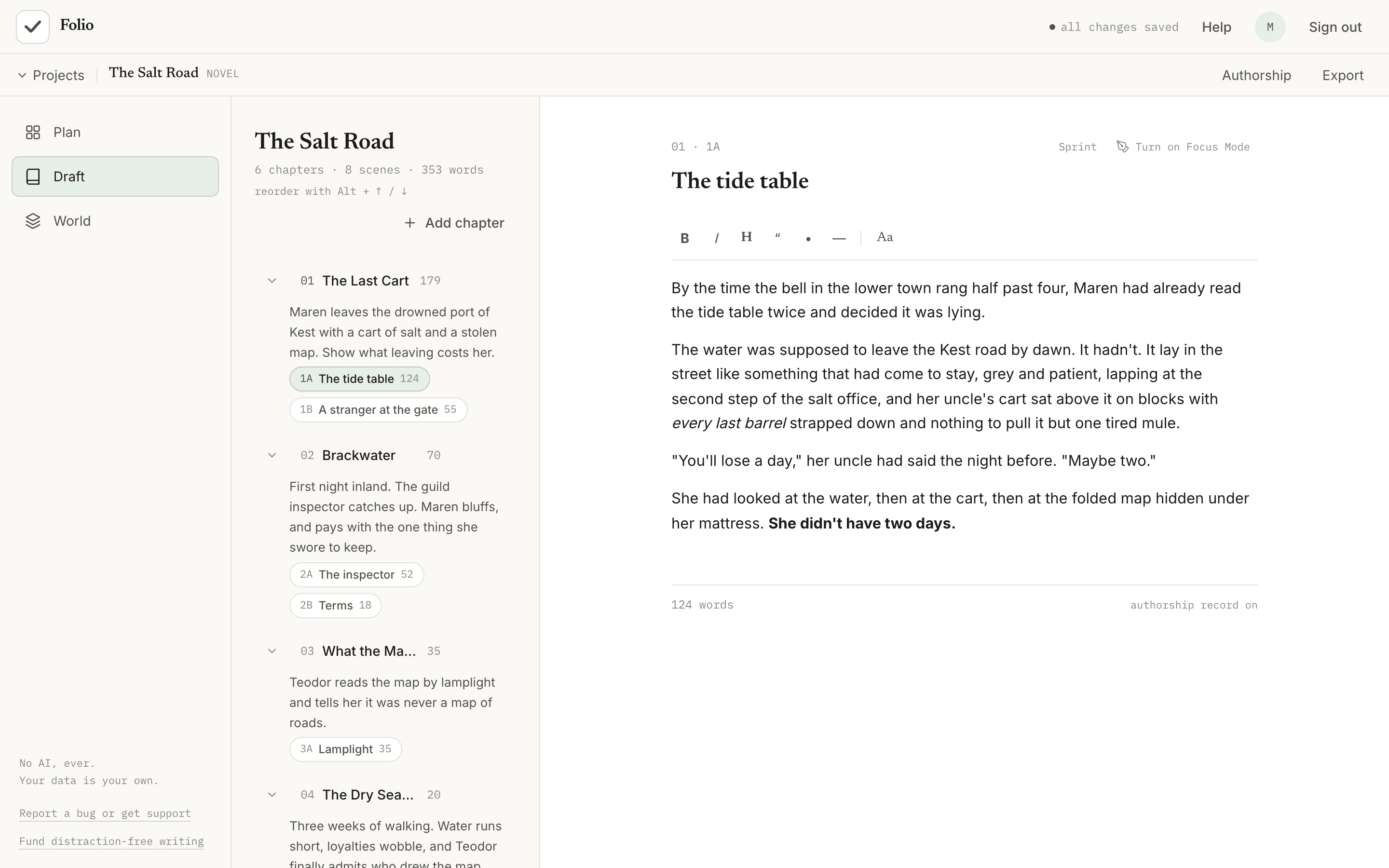
Sample project. Folio is shown with a made-up novel.
What’s inside
Everything a draft needs, and nothing it doesn’t.
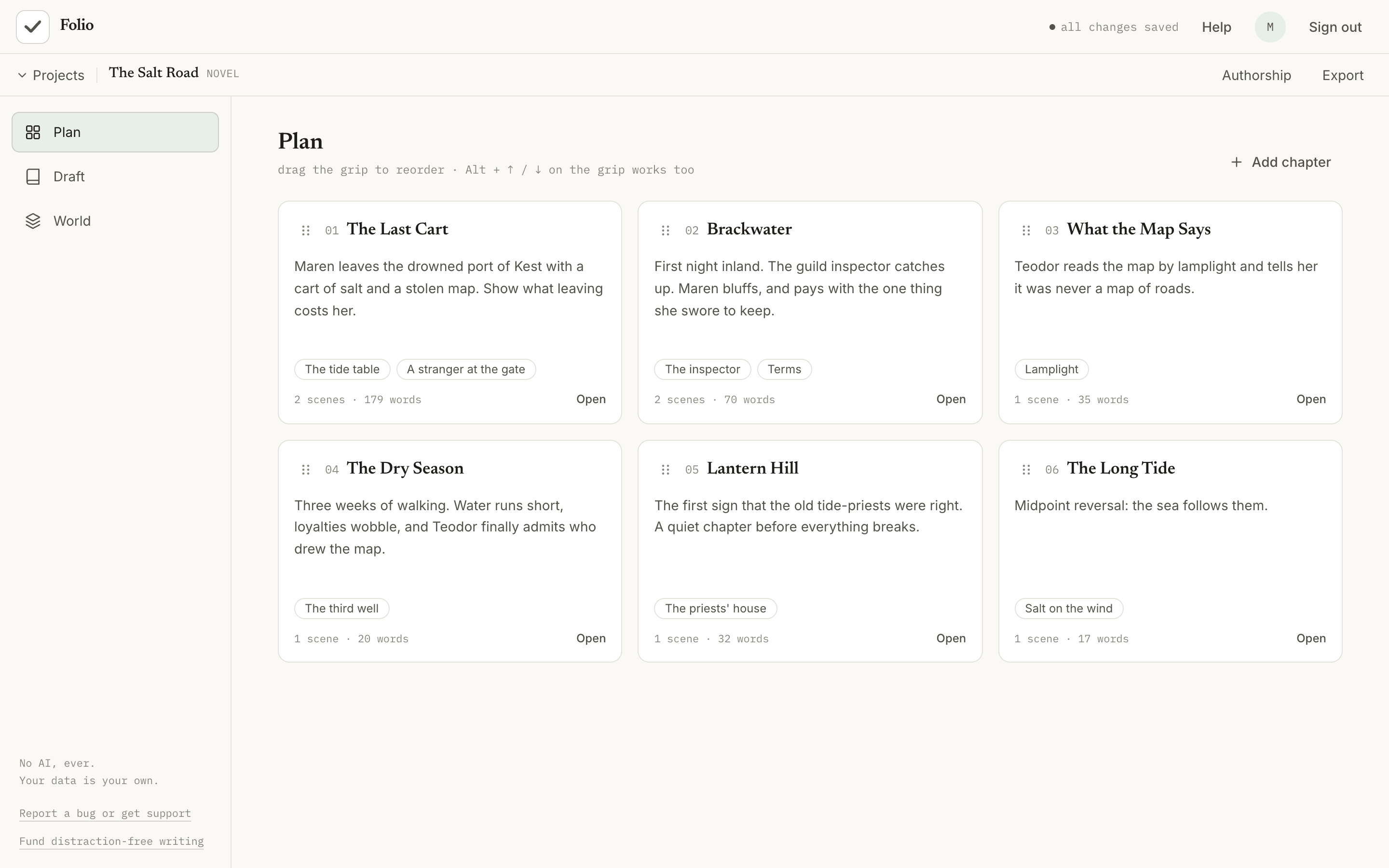
Plan
See every chapter as a card on a corkboard. Jot a few lines about each one, then drag them into order. The whole shape of the book, on one screen.
Draft
An editor with everything you need to produce your draft. Work with your outline in sight or use focus mode to eliminate distraction.
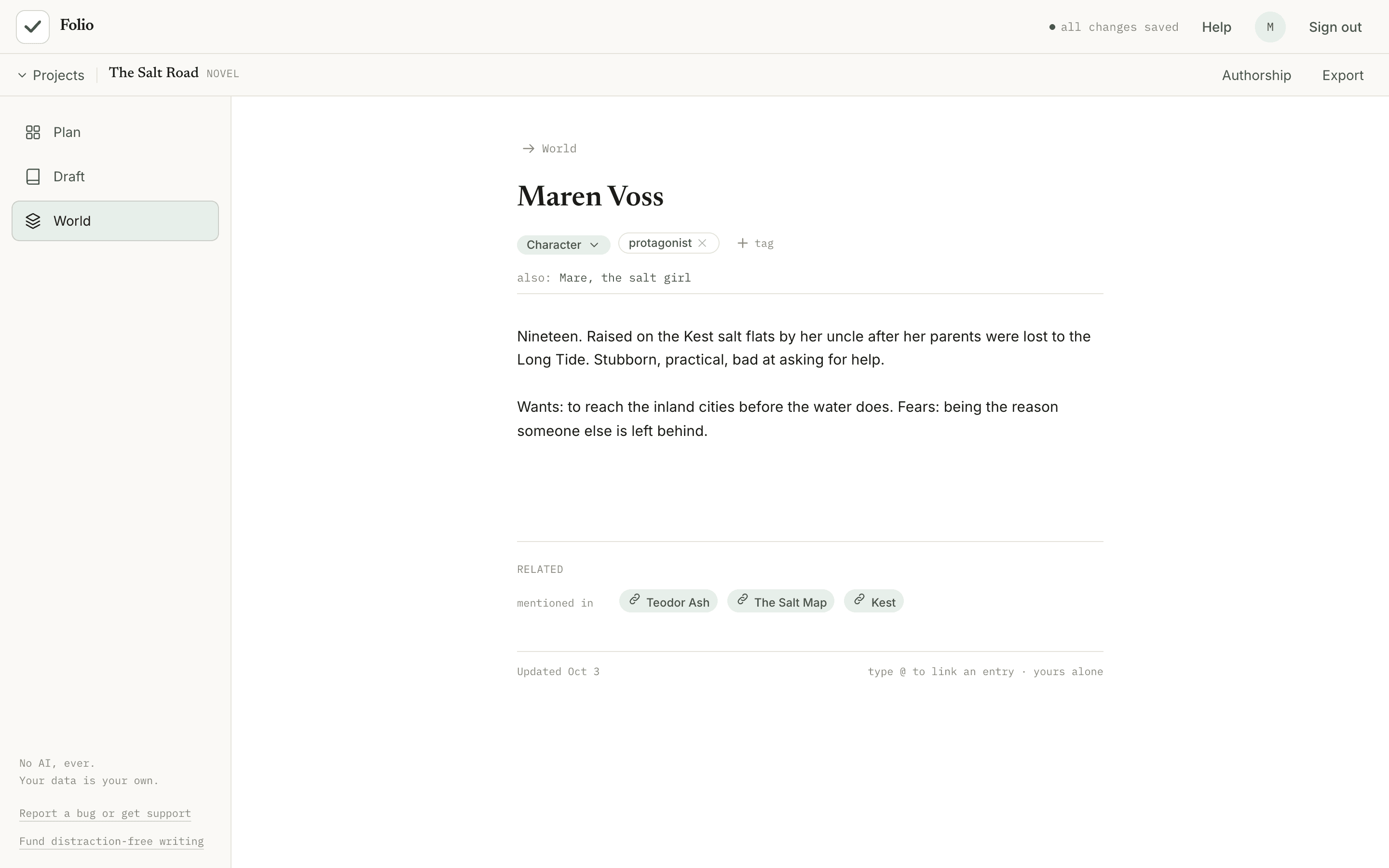
Keep Track of your Worldbuilding or Research
Characters, places, sources, themes, and more are all kept tidy and organized as you go. Never forget that side character or lose that critical reference material again. Link entries together with an @.
Focus
One click and the rest of the screen disappears. Set a timer for 15, 25 or 45 minutes, write, and see roughly how many words you added when it ends.
Show your work
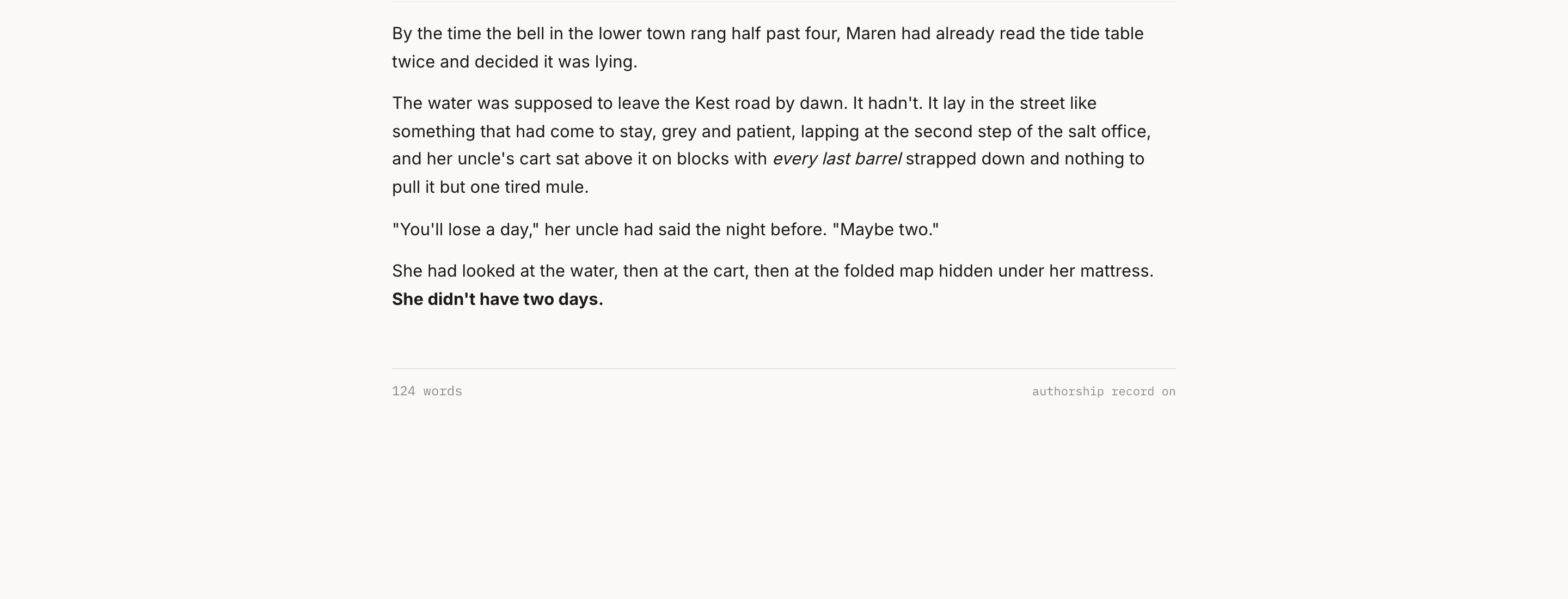
An optional authorship record notes how your text was entered, typed or pasted, never the words. Share a summary to show it was written by a person.
Take it with you
Export any project to Markdown or plain text whenever you like, or save a full backup file and restore it later. Word export is part of Premium, and Google Docs export is coming soon.
Draft from your phone
On a small screen Folio switches to a simple drafting view. Pick up a scene, start a new one, or begin a new chapter and write, anywhere.
Never lose a draft
Earlier copies of every scene are kept automatically, deleted work waits in Trash for 30 days, and unsaved text is kept on your device if your connection drops.
No AI, no ads
Nothing in Folio writes for you or trains on what you write, and nothing is selling your attention.
Made for
A Workspace for Whatever You Write
Pick a kind when you start a project. It changes the wording and the notes categories, so Folio fits what you’re making.
Novel
Chapters and scenes, with a World for characters, places and lore.
Nonfiction
Chapters and sections, with Research for sources, people and ideas.
Journal
Months and entries, with Notes for people, places and themes.
Freeform
Groups and pages with no set shape, plus Notes for anything else.
Our promises
It’s your writing. We act like it.
No AI
No AI writing, no AI summaries of your work, and nothing you write is used to train a model.
Yours alone
We don’t read your writing, sell it, or share it. Read the privacy policy for the details, including what Folio can’t promise.
Free to start
Up to five active projects, free, and you can archive the rest. Premium, coming soon, adds unlimited projects, full version history, import from Word, Scrivener and Markdown, Word export (Google Docs export to follow), and offline writing. See pricing.
Getting Started is Easy
Start a new project from scratch or import your current manuscript in seconds.