Plan, draft and track your book in one place.
Plan on a corkboard, draft anywhere, keep your Binder in order, and keep a record of how you wrote it.
Every feature
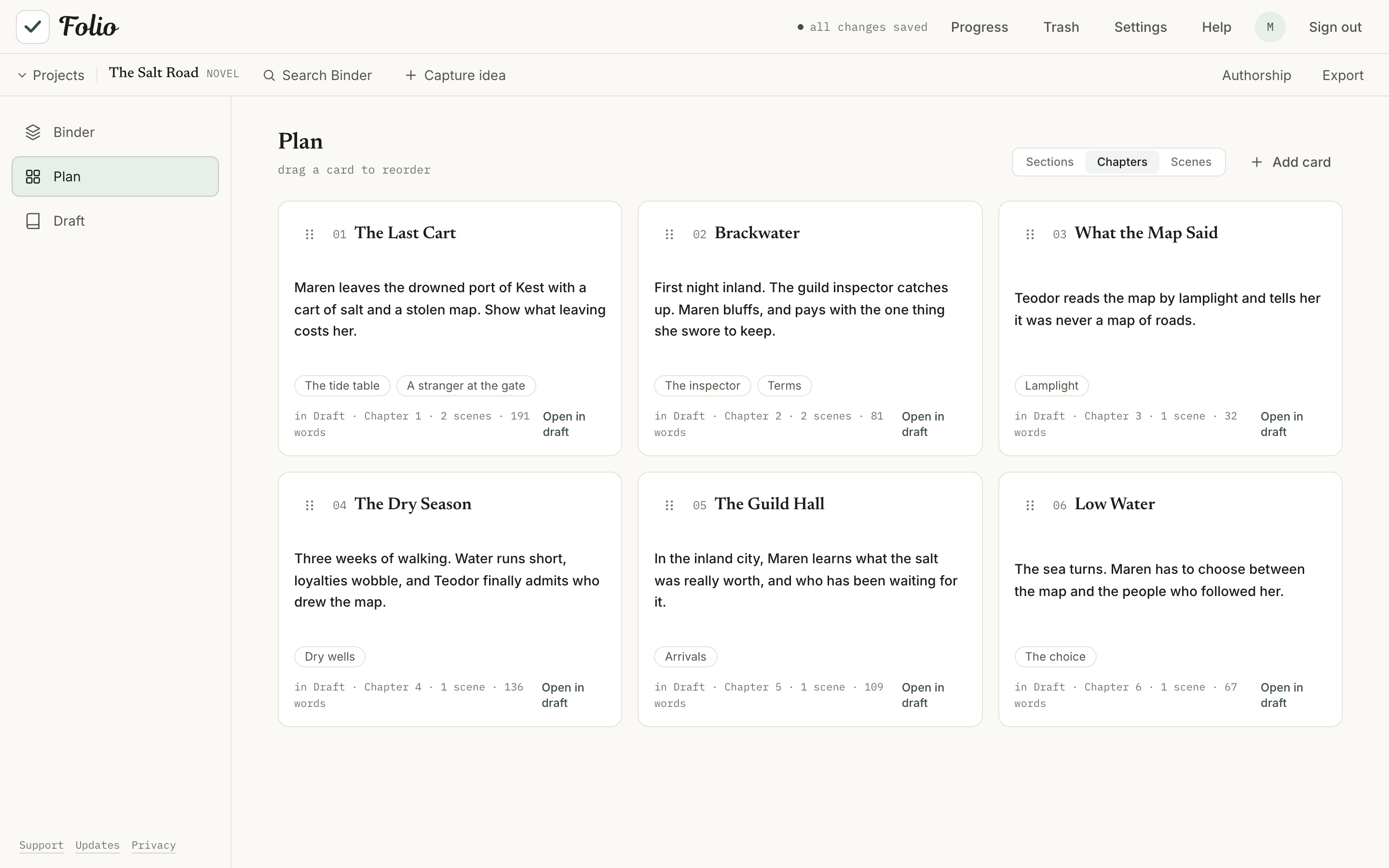
Plan
Map out sections, chapters and individual scenes on a corkboard, and see how they all fit together. Jot a few lines on each card, then drag them into order.
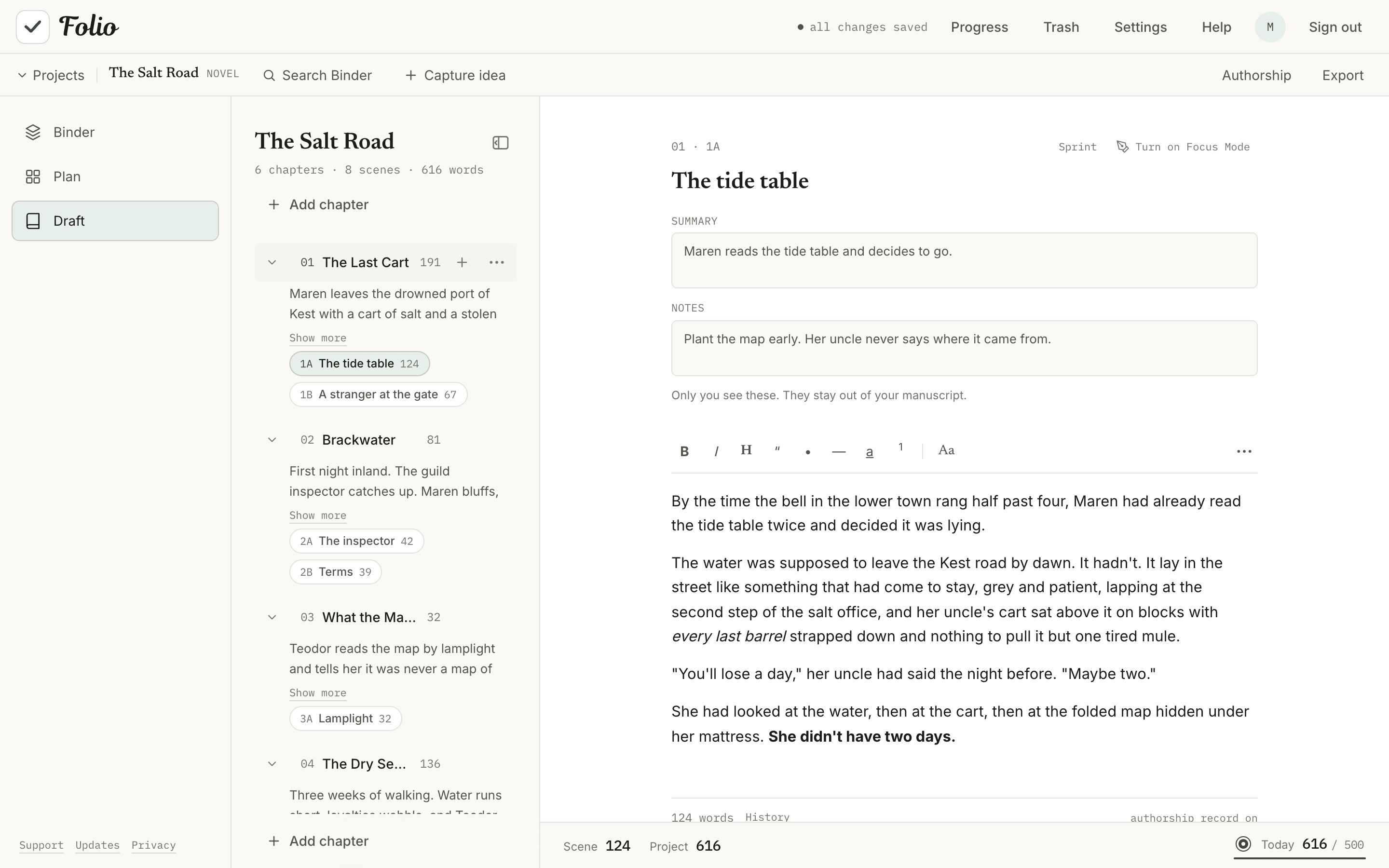
Draft
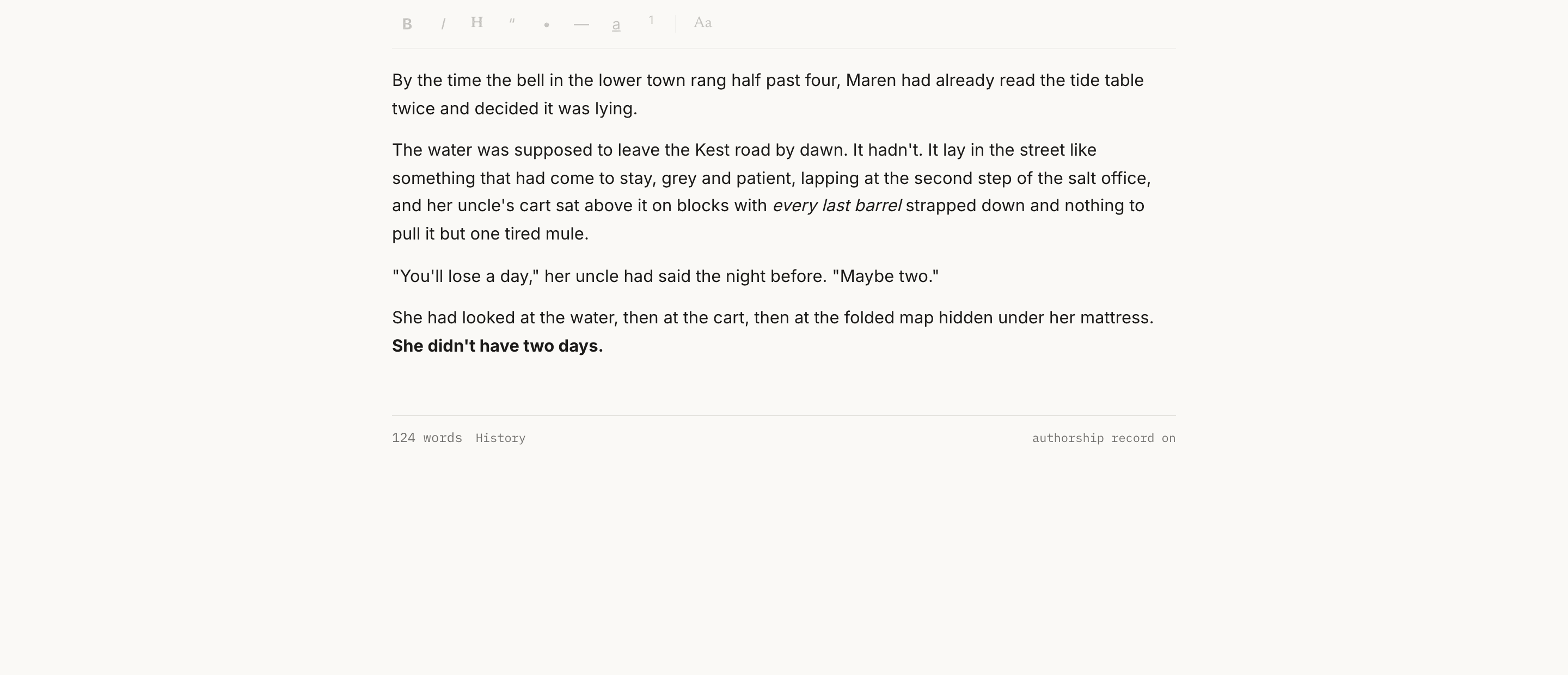
A clean editor with your outline beside it. Switch to focus mode when you want the rest of the screen gone.
Binder
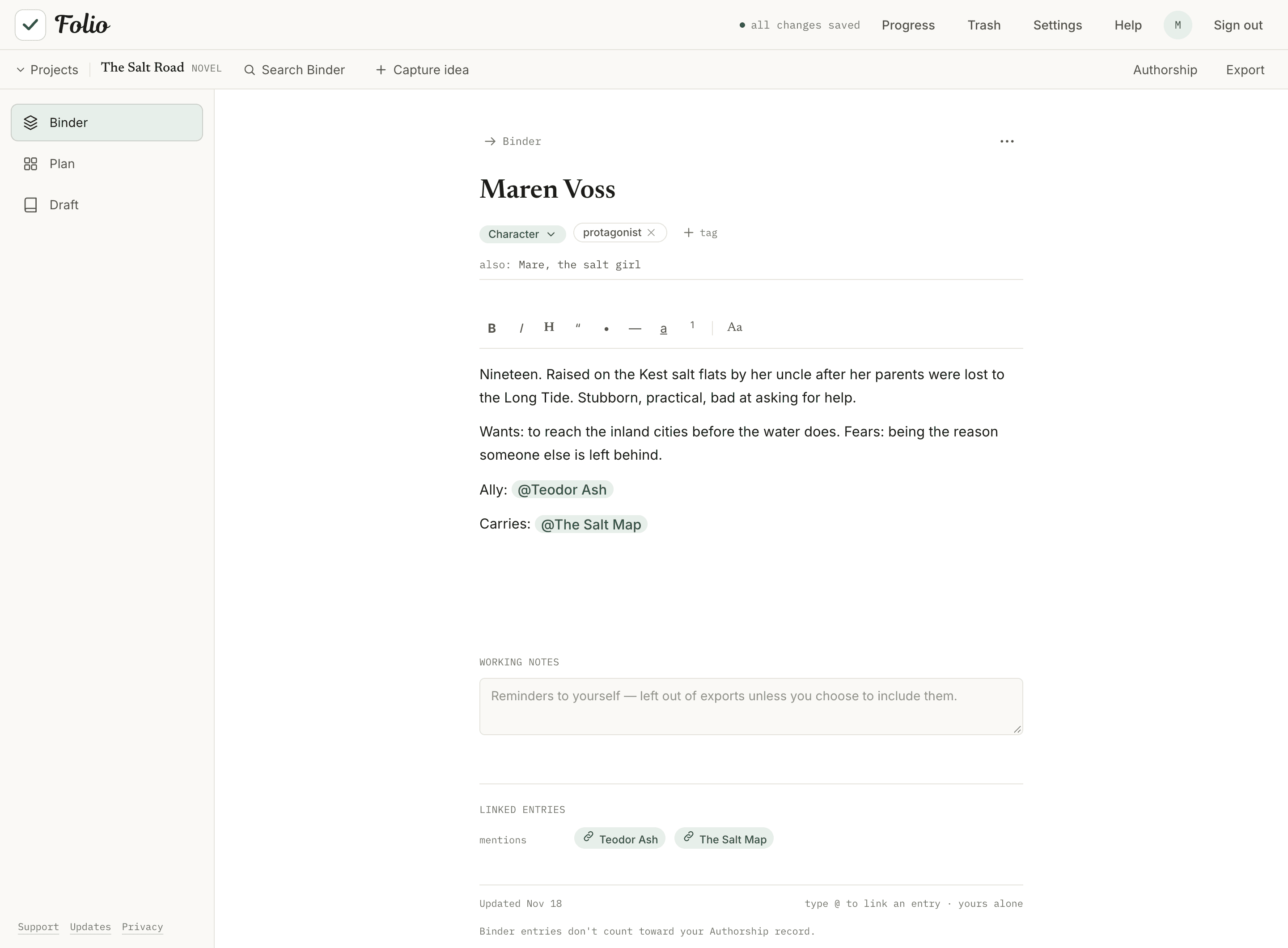
Characters, places, sources, themes and more, kept tidy as you go. Link entries together with an @, and look up any entry from anywhere in your project.
Focus and sprints
One click and everything but your page disappears. Start a writing sprint with a timer of 15, 25 or 45 minutes, and see roughly how many words you added.
Show your work
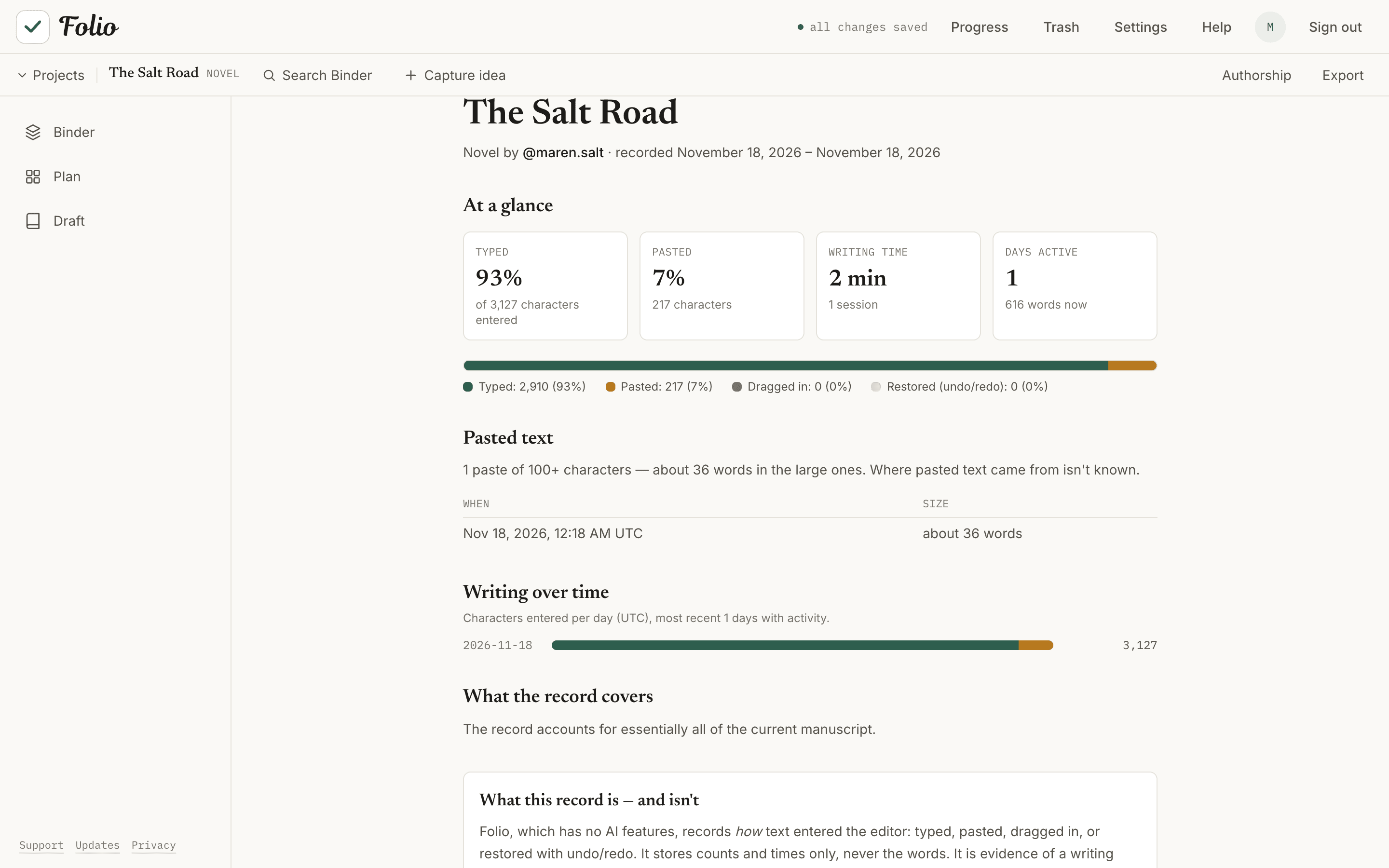
An optional authorship record of how your text entered Folio: typed, pasted or dragged in, with your writing time and active days. It stores counts and times, never your words. Share a summary link when someone asks.
And more
Everything else a book needs.
Capture ideas
Save an idea from anywhere in Folio, or select words in your draft and comment on them. Ideas wait in your Binder until you're ready, and nothing is added to your text.
Goals and progress
Set a goal of words per day, week or month, or of days you write. Folio counts only what you write in Draft, marks every writing day with a stamp, and keeps a monthly card. Nothing shouts when you miss a day.
Pictures with captionsMore room in Premium
Paste or drop a picture into your draft or notes and give it a caption and a description. Captions carry into your Word and EPUB exports. Each project holds 100 MB of pictures on Free and 1 GB with Premium.
Cite your sourcesNonfiction projects
Pick the kind of source and fill in what you have. Folio writes the citation in your chosen style, and switching style reformats every source at once.
Set up your book
Fill in your title page and your front and back pages once. Whatever you export carries them, so a finished book starts from a finished layout.
Phone
On a small screen Folio switches to a simple drafting view. Pick up a scene, start a new one, or begin a new chapter and write, anywhere.
Version history and TrashFull history in Premium
Earlier copies of every scene are kept automatically, deleted work waits in Trash for 30 days, and unsaved text is kept on your device if your connection drops.
Your filesWord and EPUB in Premium
Export any project to Markdown or plain text, or save a full backup file. Premium adds export to Word and EPUB, and imports from Word and Scrivener.
Take the tour
Here’s what writing in Folio looks like.
A walkthrough of Folio using a made-up novel.
A workspace for whatever you write.
Every project has chapters or entries, plus a Binder for everything you need to remember.
Start your next project today.
Free for five projects, no card. Premium is $49.99 once.