Folio, by Typeset Tools
The writing tool that doesn’t write for you.
Plan on cards, draft in a quiet editor, and keep your story notes in one place. No AI, no ads, and no subscription. And an optional authorship record documents how your work came together, in case you’re ever questioned.
Free for up to five active projects. No card needed.
Why writers use Folio
Four reasons, in plain words.
It never writes for you
No AI writing, no AI summaries of your work, and nothing you write is used to train a model. Not now, not later.
Everything in one place
Your outline, your story notes and your draft live in one workspace, so you can stop juggling separate apps. Type @ in a scene to link to any character, place or rule in your notes, and click the name to open it.
Show your work
Folio's optional authorship record logs how your manuscript came together: what you typed, what you pasted, and when you worked, never the words themselves. If anyone ever questions whether you wrote it, share a summary of your process. It's evidence of how the work was made, not a guarantee, and it can't prove that no AI was used.
Free to start
Up to five active projects, free, with no card, and you can archive the rest. Premium is a one-time $49.99 license with no subscription. It adds unlimited projects, full version history, import from Word, Scrivener and Markdown, Word export (Google Docs export to follow), and offline writing.
See it
What it looks like to use.
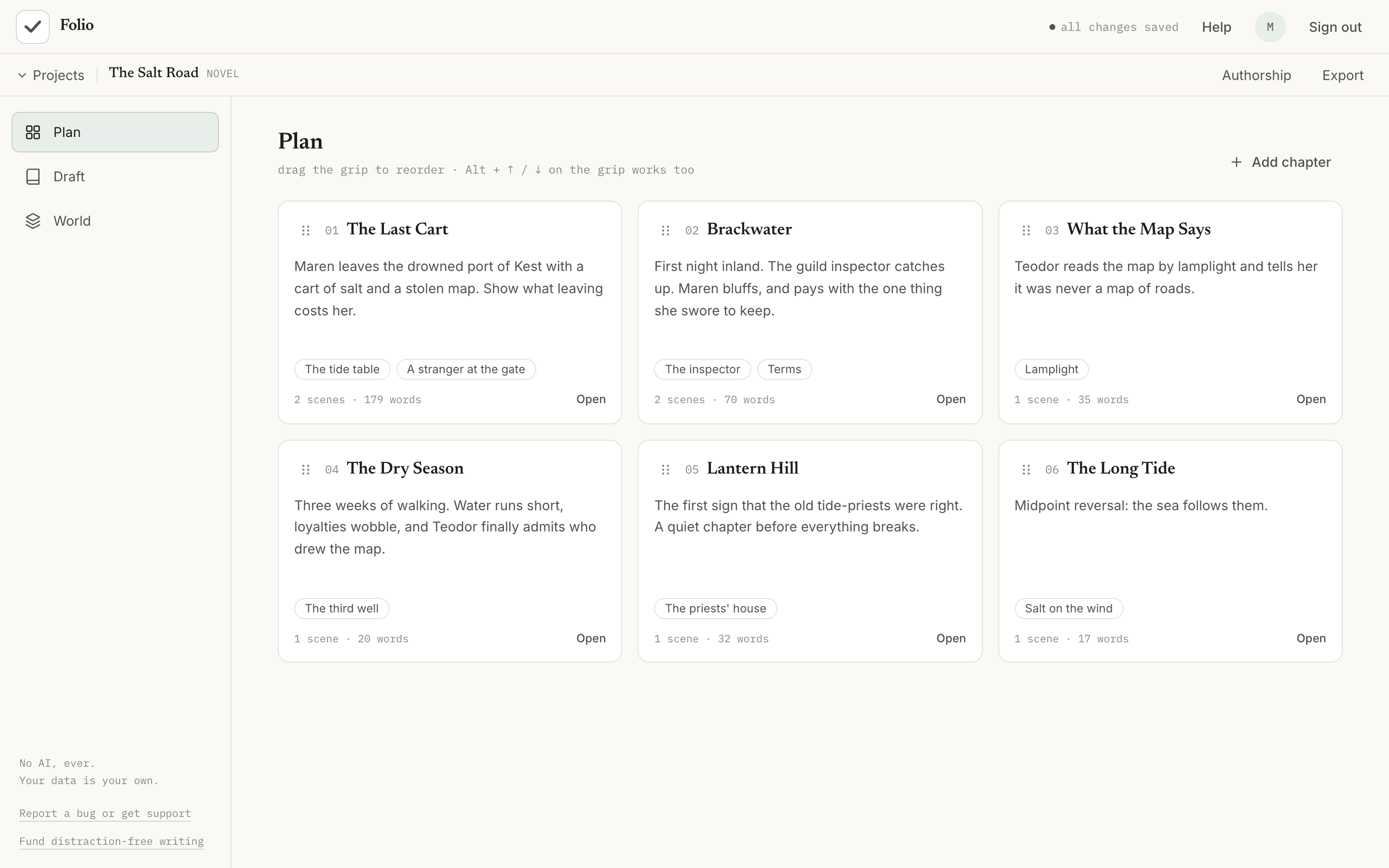
See the whole book at once
Every chapter is a card on a corkboard. Write a few lines about each one, then drag them into order.
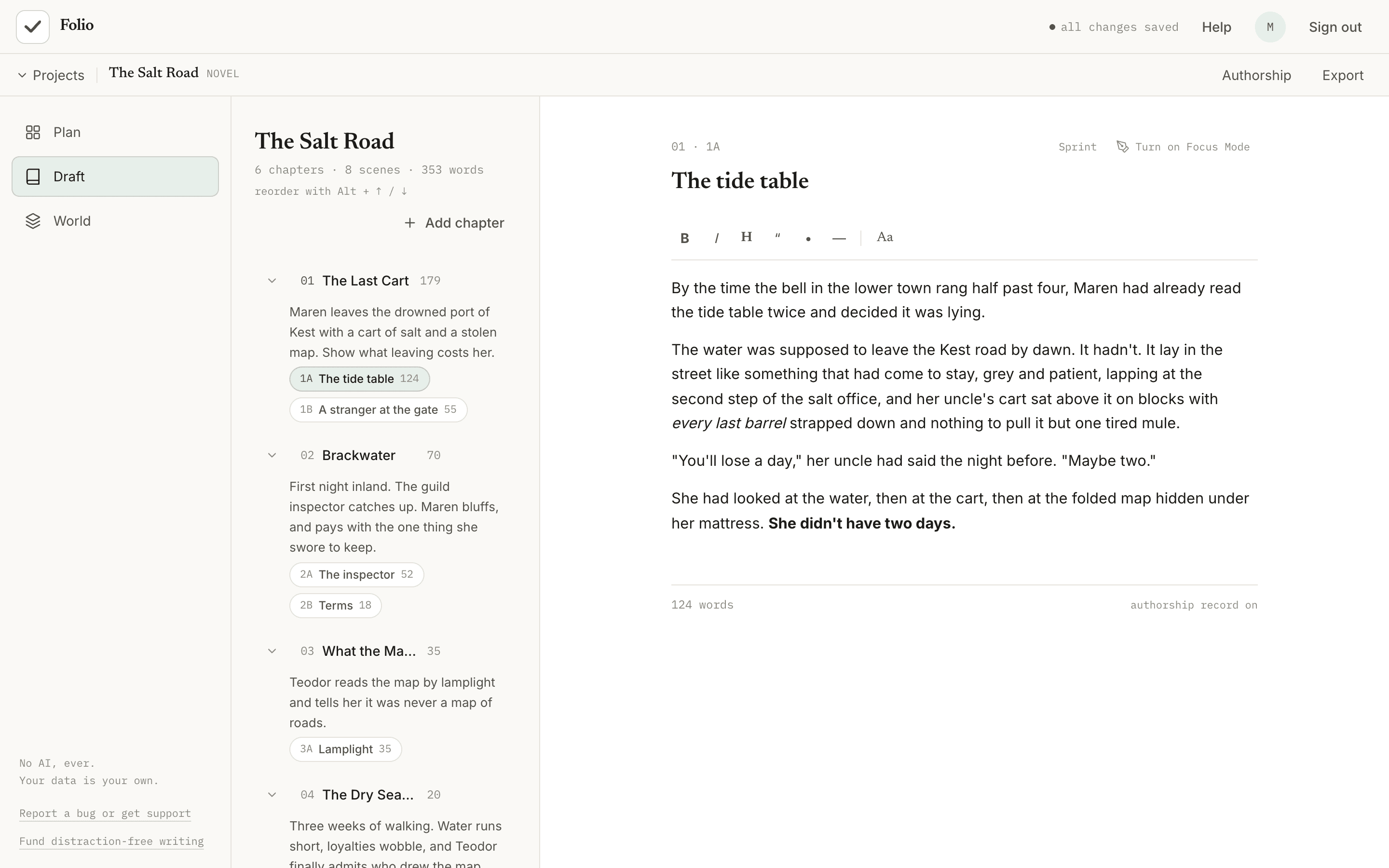
Write with the plan beside you
A quiet editor with bold, italics and headings, next to an outline you can reorder. Your plan stays in view while you write.
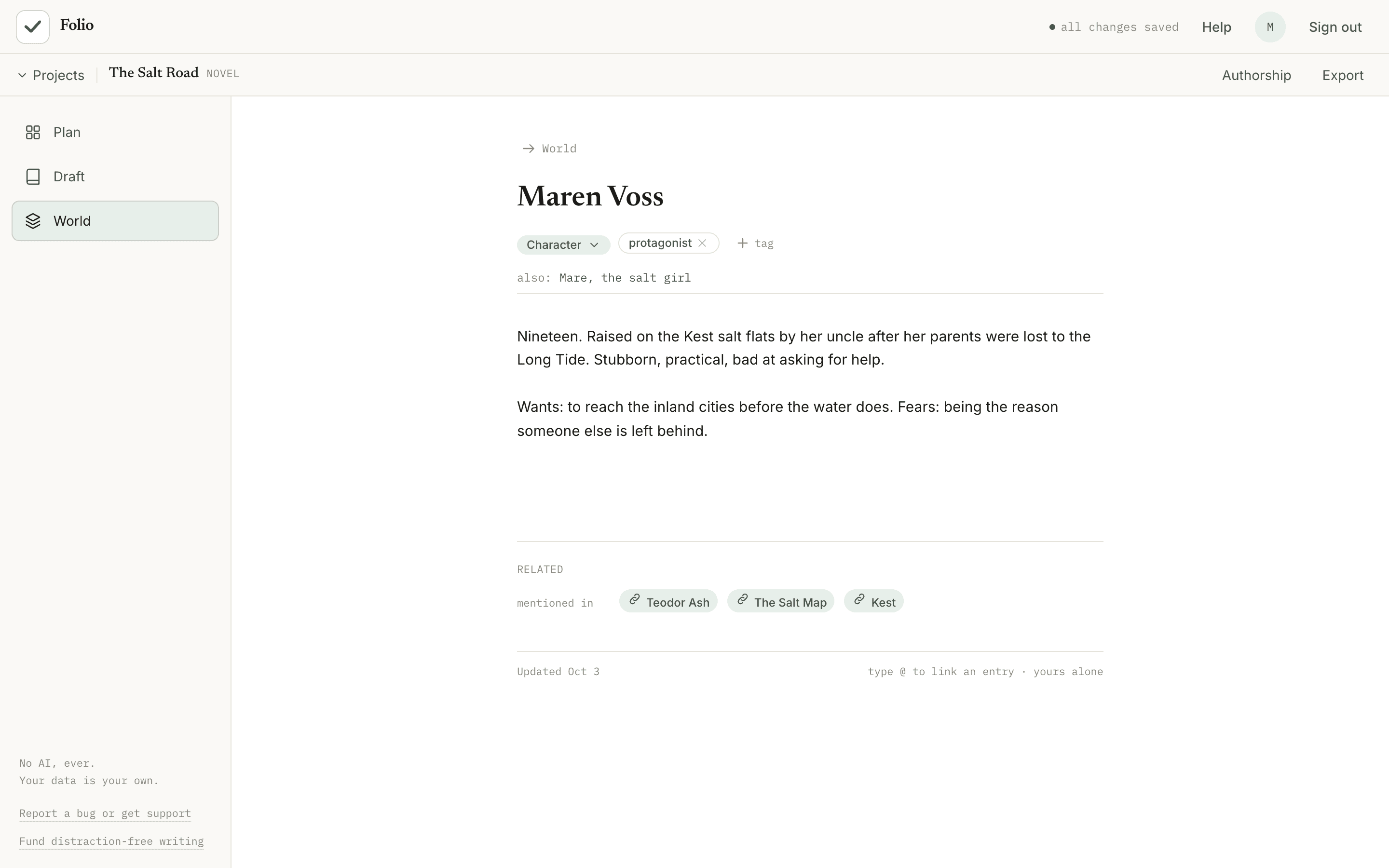
Keep your world straight
Characters, places, sources and themes, shaped to what you're writing. Type @ in a scene to link to an entry, and click the name to open it.
Make the most of a short window
Draft a few paragraphs on your phone, then pick up on your laptop tonight. Focus mode hides the rest of the screen, and a 15, 25 or 45 minute sprint shows roughly how many words you added.
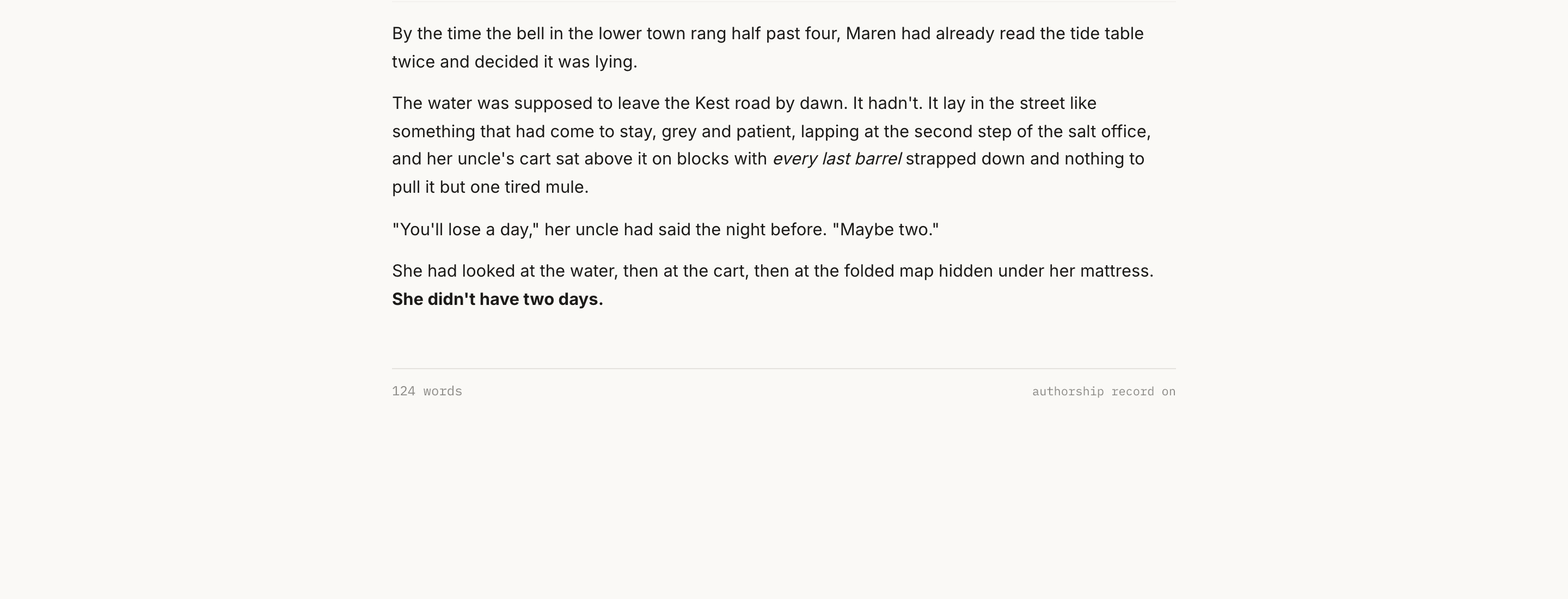
Screenshots show a made-up sample novel.
How it compares
Folio next to Scrivener, Google Docs and Obsidian.
They’re all good tools, and they’re built for different people. Here’s where each one stands.
| Feature | Folio | Scrivener | Google Docs | Obsidian |
|---|---|---|---|---|
| Price | Free for up to 5 active projects. Premium: $49.99 once. | $59.99 once for macOS or Windows, with a 30-day free trial (30 days of use). The iPhone and iPad app is a separate $23.99. | Free with a Google account | Free for personal use. Paid add-ons: Sync from $4 a month, Publish from $8 a month (billed annually). |
| Where you use it | In your browser, with a drafting view on your phone | Mac, Windows, iPhone and iPad apps | In your browser, plus mobile apps | Desktop and mobile apps |
| Works offline | Partly. Every edit to the scene you're writing is also kept on your device and saved when your connection is back. Offline writing across your whole library is coming with Premium. | Yes | Yes, with offline mode turned on | Yes |
| Where your writing lives | In your Folio account (cloud) | Files on your computer | In your Google account | Plain Markdown files on your device |
| Built-in AI | None, ever | None in the app. Apple's system AI writing tools can show up in it on a Mac. | Gemini AI tools are built in, with a Workspace or paid Google AI plan | None in the core app |
| Plan with cards | Yes (Plan) | Yes (Corkboard) | Document outline only | Canvas, free-form |
| Notes for characters, places, research | Yes, linked with @ | Yes (Binder) | Separate documents | Yes, linked notes |
| Focus mode | Yes, plus timed sprints | Yes (full-screen composition mode) | Full-screen view | Community plugins add focus and typewriter modes |
| Shows how your text was written | Yes (authorship record) | No | Version history only | No |
| Version history | Yes. 14 days on Free, kept in full on Premium. | Yes (Snapshots) | Yes | Built-in snapshots, kept 7 days by default. Version history is also part of the paid Sync add-on. |
| Real-time collaboration | No | No | Yes | Shared vaults with the paid Sync add-on, but no live editing of the same file |
| Export | Markdown and plain text, plus a backup file you can restore. Word export with Premium; Google Docs coming soon. | Word, RTF, PDF, ePub, plain text, Final Draft and more | Word, PDF and more | Your files are already Markdown, and the desktop app can export a note to PDF |
Checked October 2026 against each company’s own pages (Scrivener pricing, Scrivener and AI, Scrivener store, Scrivener on iPad and iPhone, Scrivener Corkboard and Binder, Scrivener 3 manual, Google Docs offline, Gemini in Docs, Obsidian pricing, Obsidian PDF export, Obsidian file recovery, Obsidian shared vaults). Products change. If something here is out of date, tell us and we’ll fix it.
Folio Premium is a one-time license that covers Folio and every Premium feature listed on the pricing page. We may add new features and updates later, and some may be sold separately.
Which one fits you
- Scrivener if you want a mature, offline desktop app with powerful compile options.
- Google Docs if you write with other people in real time.
- Obsidian if you want plain files on your computer and a huge plugin library.
- Folio if you want planning, drafting, and story notes together in a connected workspace, with no AI and a record of how you wrote.
Try it on a real project.
Make a project, write a few paragraphs, and see if it fits how you work. It’s free, and takes about a minute to start.
Questions? Read the privacy policy or see pricing.